# Firefox -- disable border title bar
**URL:** https://support.blue-systems.com/t/firefox-disable-border-title-bar/4694
**Category:** Rolling 2018.08
**Created:** [March 25, 2019, 6:16pm UTC](https://support.blue-systems.com/t/firefox-disable-border-title-bar/4694 "2019-03-25T18:16:27Z")
**Posts on this page:** 4
**Page:** 1
### Author:  [@chente](https://support.blue-systems.com/u/chente)
#### Post date: [March 25, 2019, 6:16pm UTC](https://support.blue-systems.com/t/firefox-disable-border-title-bar/4694/1 "2019-03-25T18:16:27Z")
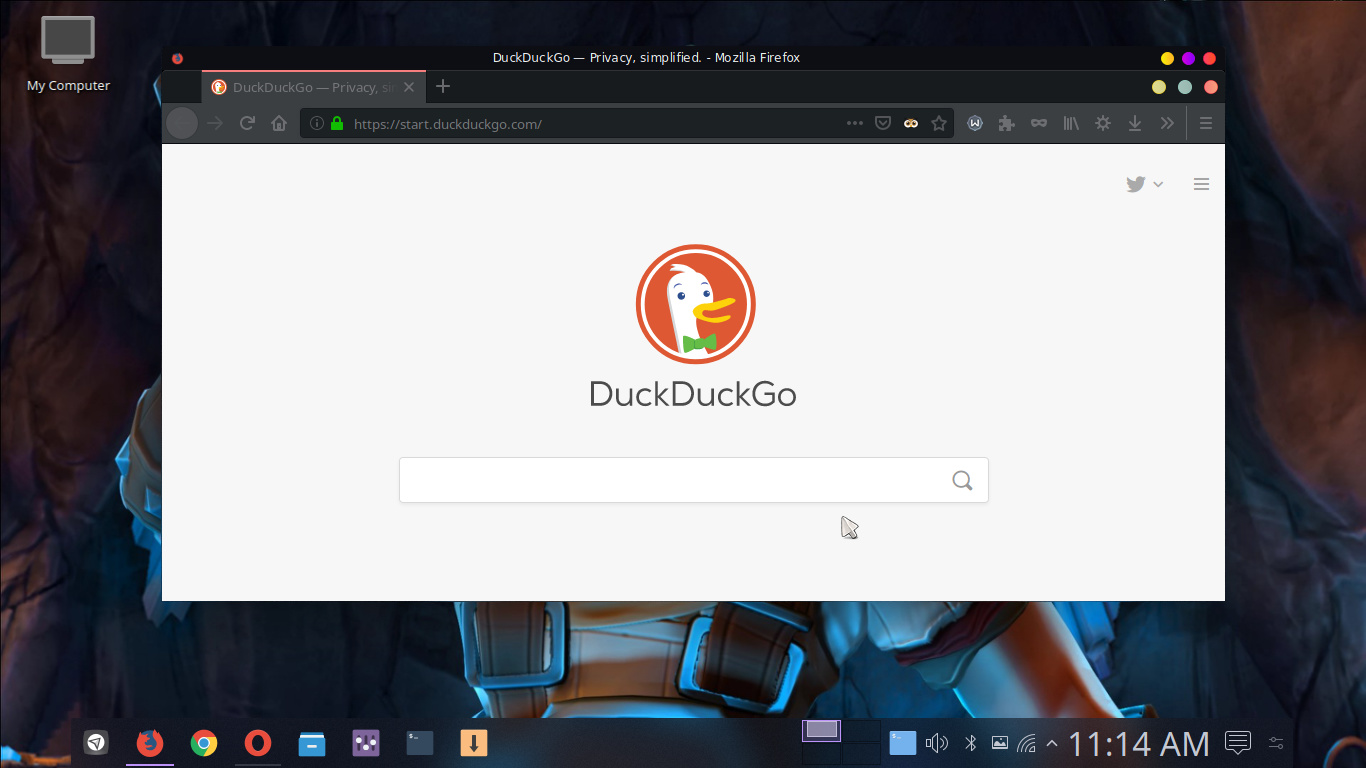
When unticking the title bar option in customize menu, the border still appears after restart of firefox. Right clicking the top bar and clicking no border does the trick but after restart of firefox it always reappear
---
### Author:  [@AJSlye](https://support.blue-systems.com/u/AJSlye)
#### Post date: [March 25, 2019, 6:43pm UTC](https://support.blue-systems.com/t/firefox-disable-border-title-bar/4694/2 "2019-03-25T18:43:52Z")
That looks like standard firefox, and not firefox-kde-opensuse.
However, that has nothing to do with the issue at hand.
That’s would be a Plasma 5 (kwin) issue, and not Firefox.
---
### Author:  [@leszek](https://support.blue-systems.com/u/leszek)
#### Post date: [March 26, 2019, 8:32am UTC](https://support.blue-systems.com/t/firefox-disable-border-title-bar/4694/3 "2019-03-26T08:32:33Z")
Right clicking on the titlebar you should be able to set default options for an application where you can set not to show a titlebar for this application.
Have you tried that?
---
### Author:  [@chente](https://support.blue-systems.com/u/chente)
#### Post date: [March 26, 2019, 5:46pm UTC](https://support.blue-systems.com/t/firefox-disable-border-title-bar/4694/4 "2019-03-26T17:46:37Z")
Yes I just tried it and it worked.
By the way, Thank you guys @leszek @AJSlye for your response. I appreciate it!